The Four Variables That Determine Storage Needs
Every commercial CCTV storage calculation comes down to four factors: how many cameras you have, how much data each camera generates, how long you need to keep footage, and whether you're recording continuously or only on motion.
Resolution and Bitrate
Higher resolution cameras capture more detail, and more detail means more data. As a general guide for continuous recording at 15-20 frames per second with H.265 compression:
A 2MP (1080p) camera typically generates roughly 1.5 to 3 Mbps. A 4MP camera typically generates roughly 3 to 5 Mbps. An 8MP (4K) camera typically generates roughly 6 to 12 Mbps.
These figures shift quite a bit based on scene complexity: a camera pointed at a busy parking lot with constant motion generates far more data than one covering a quiet stockroom, because compression works by only fully encoding what changes between frames.
Compression: H.264 vs. H.265
Compression codec has a bigger impact on storage than most buyers expect. H.265 (also called HEVC) typically cuts file sizes by 40-50% compared to H.264 at the same resolution and quality, because it compresses video more efficiently.
If your system supports H.265 across cameras and the recorder, you can often cut your total storage requirement nearly in half for the same retention period, which usually pays for itself in reduced hardware and cloud costs within the first year.
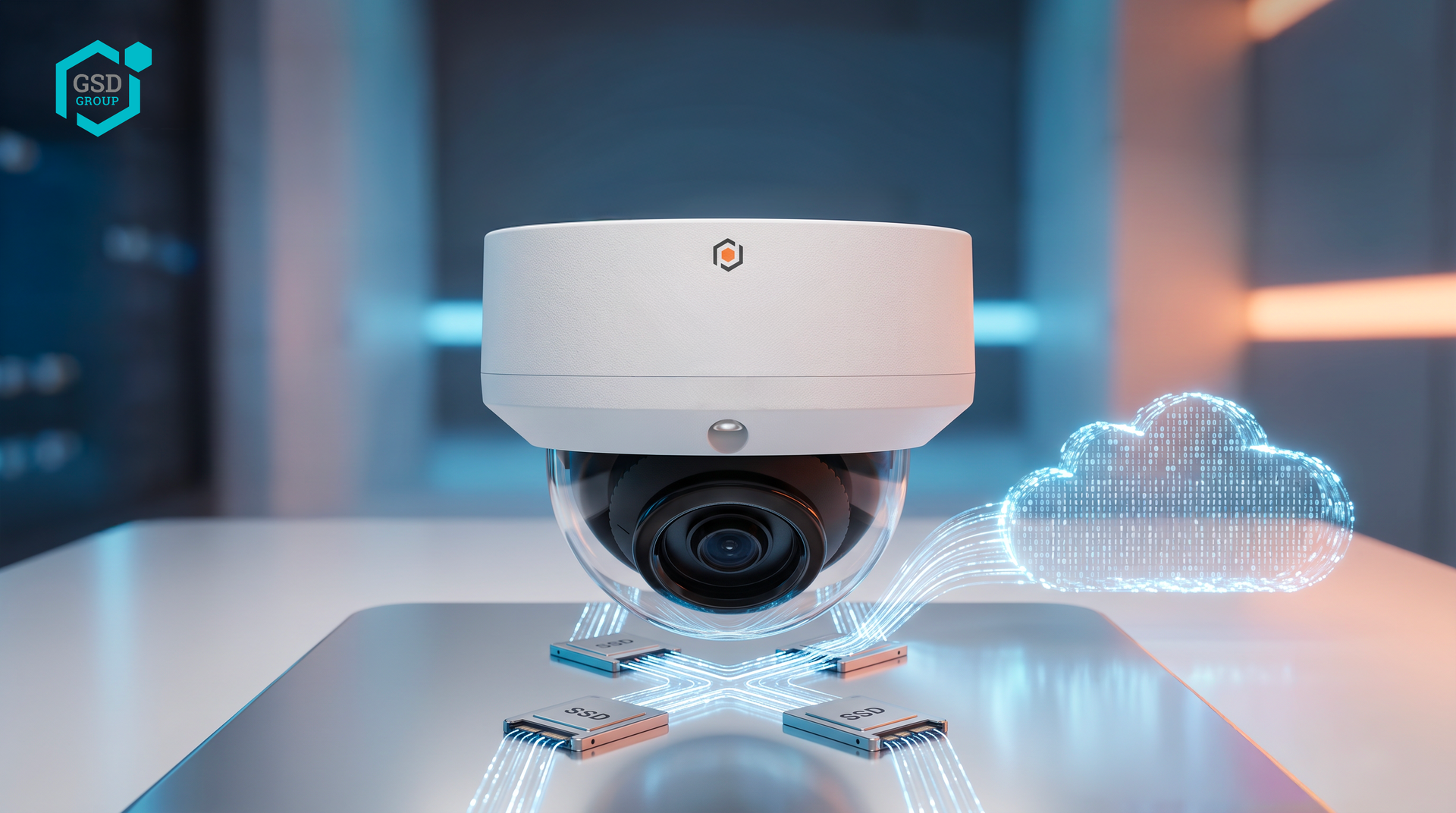
The Storage Formula
A simplified formula for estimating total storage per camera:
Storage per camera (GB) = (Bitrate in Mbps ÷ 8) × 3,600 × 24 × Retention Days ÷ 1,000
Multiply that result by your total camera count for the full system.
Worked Example
Take a mid-size commercial property with 16 cameras, each averaging 4 Mbps with H.265 compression, and a 60-day retention policy.
Per camera: (4 ÷ 8) × 3,600 × 24 × 60 ÷ 1,000 ≈ 259 GB. For all 16 cameras: 259 × 16 ≈ 4.1 TB.
That's the estimate for continuous, 24/7 recording. Most commercial systems reduce this significantly by combining a few strategies below.
Motion-Based Recording Can Cut Storage by 50-70%
Recording only when motion is detected, rather than continuously, is the single biggest lever for reducing storage without reducing coverage.
Areas with low foot traffic overnight, such as a warehouse floor or a back stairwell, may only be "active" a fraction of the day, and motion-triggered recording captures that footage without paying for hours of an empty hallway. Most commercial systems apply this selectively: continuous recording on entrances and high-priority areas, motion-based recording elsewhere.
How Retention Periods Are Usually Set
Retention should be set around how long it typically takes for an incident to surface, not around minimizing storage cost. Most commercial properties in Canada land on 30 to 90 days as a baseline.
Retail environments dealing with shrinkage or chargebacks often extend to 90 days given how long some disputes take to reach the property manager. Properties with higher liability exposure, such as those with public access or heavy vehicle traffic, sometimes extend further, particularly if insurers or legal counsel recommend it.
Always check your insurance policy and any lease agreements, since some explicitly specify a minimum retention period.
Cloud, On-Premise, or Hybrid Storage
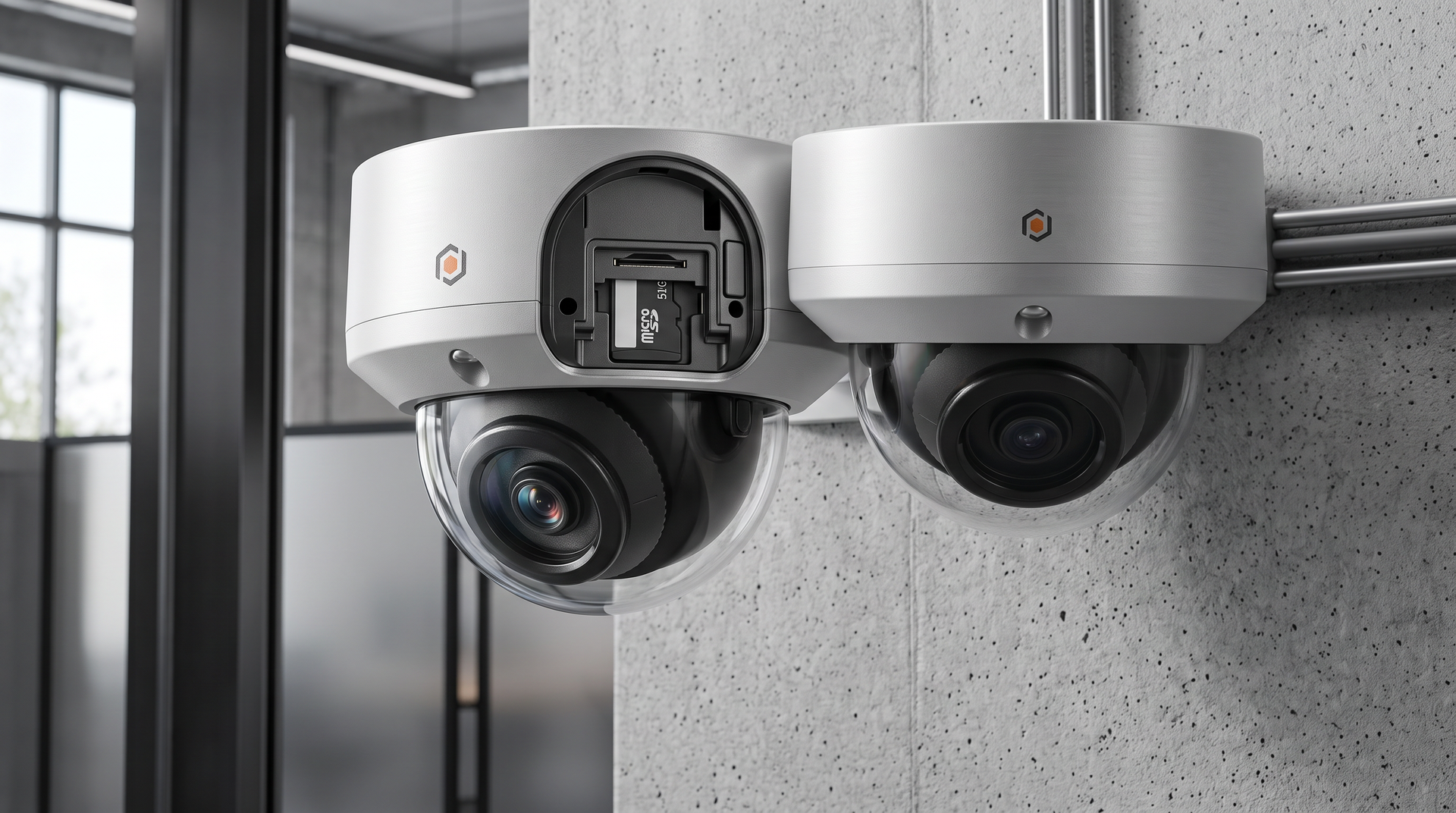
On-premise storage (via a local NVR with hard drives) is usually the lower-cost option for high-camera-count systems with long retention needs, since there's no recurring cloud subscription tied to storage volume.
Cloud storage costs scale with both camera count and retention, but it protects footage even if local hardware is damaged, stolen, or fails, and simplifies management across multiple properties. Many commercial properties use a hybrid setup: on-premise storage for full retention, with cloud backup limited to flagged events or key cameras, balancing cost against resilience.
A Practical Sizing Checklist
Before finalizing a system, confirm:
- Camera count and resolution per camera, whether H.265 is supported end-to-end (cameras and recorder/NVR)
- Which cameras will run continuous vs. motion-triggered recording
- Your required retention period (checking insurance and lease requirements)
- Final statement regarding cloud, or hybrid storage
Any competent commercial security vendor should be able to size your system to these inputs during a site assessment rather than quoting a generic package.
Get Your Storage Requirements Sized Correctly
Guessing at storage needs almost always ends in either overpaying for capacity you don't use, or running out of retention right when you need it most.