Your cameras, streamed live. Your TV, your surveillance monitor.
Say bye to extra wires and hello to smart connection.
OVTV turns your Android TV into a full-fledged surveillance hub.
Connect your NVRs and IP cameras, and keep your premises under watch, live and in real time
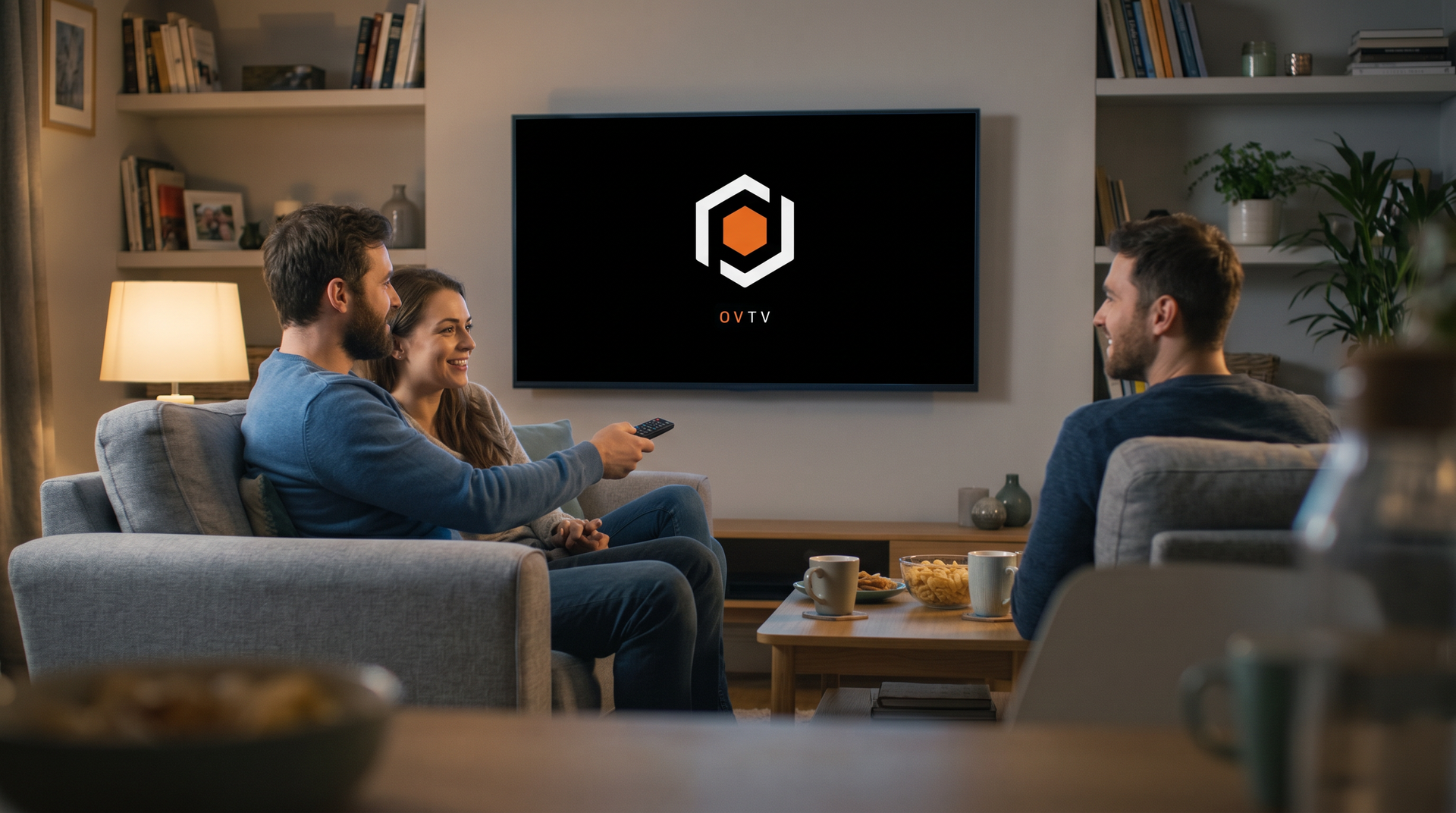
Real control room, all on a single TV
A professional video surveillance application designed for smart TVs, and fully controllable via remote control (D-pad), while still being usable via touch. Compatible with Fire TV Stick, Android TV boxes, and Chromecast, no PC, no monitor, no subscription. All you need is a TV.
Connect
NVRs and cameras
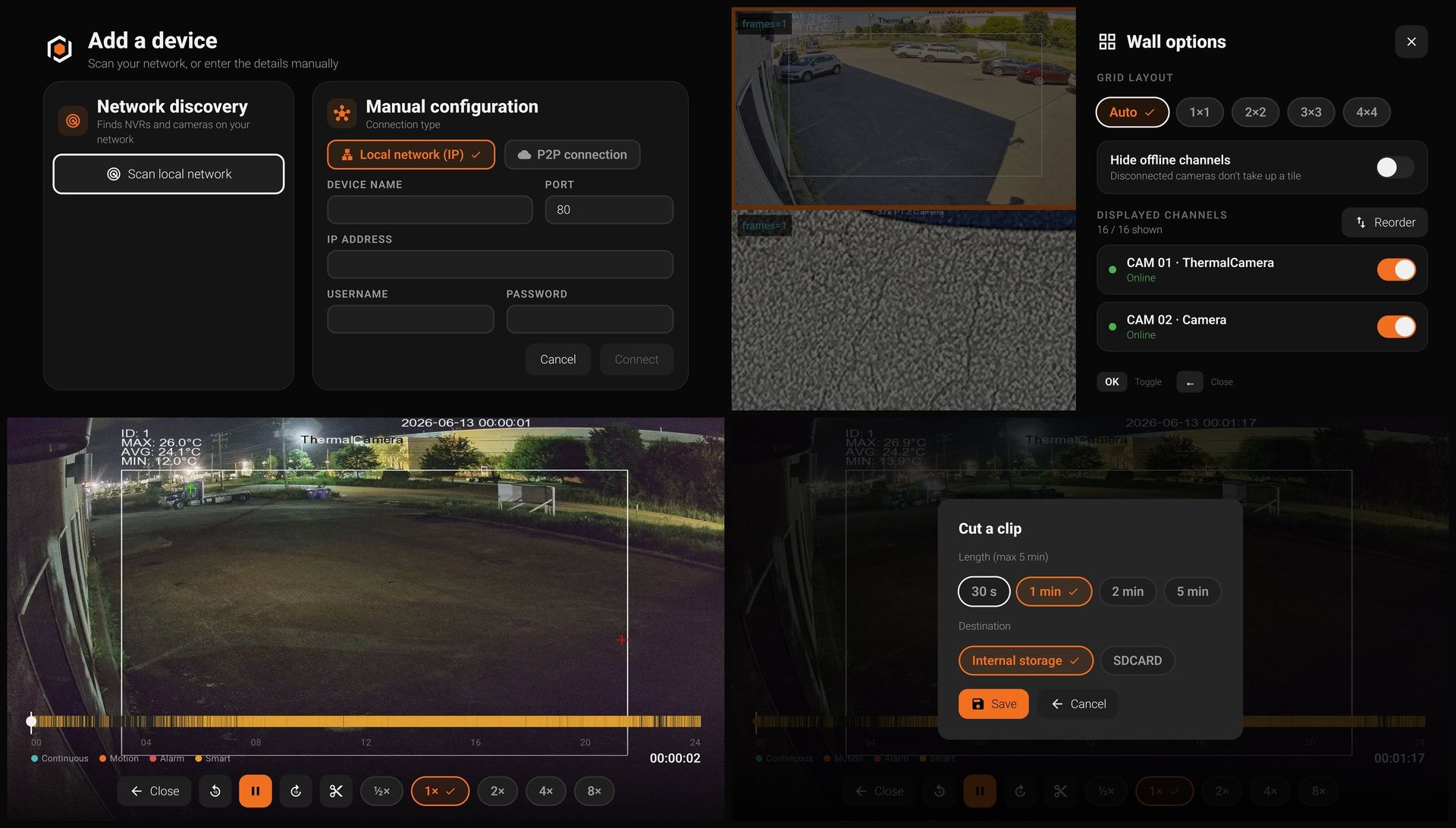
via IP, on a local network (IP) or remotely (P2P).
Private by design
On a LAN, your video stays local, private by design, with no tracking, ever.
Video wall
Adaptive grid up to 4×4 with
seamless pagination.
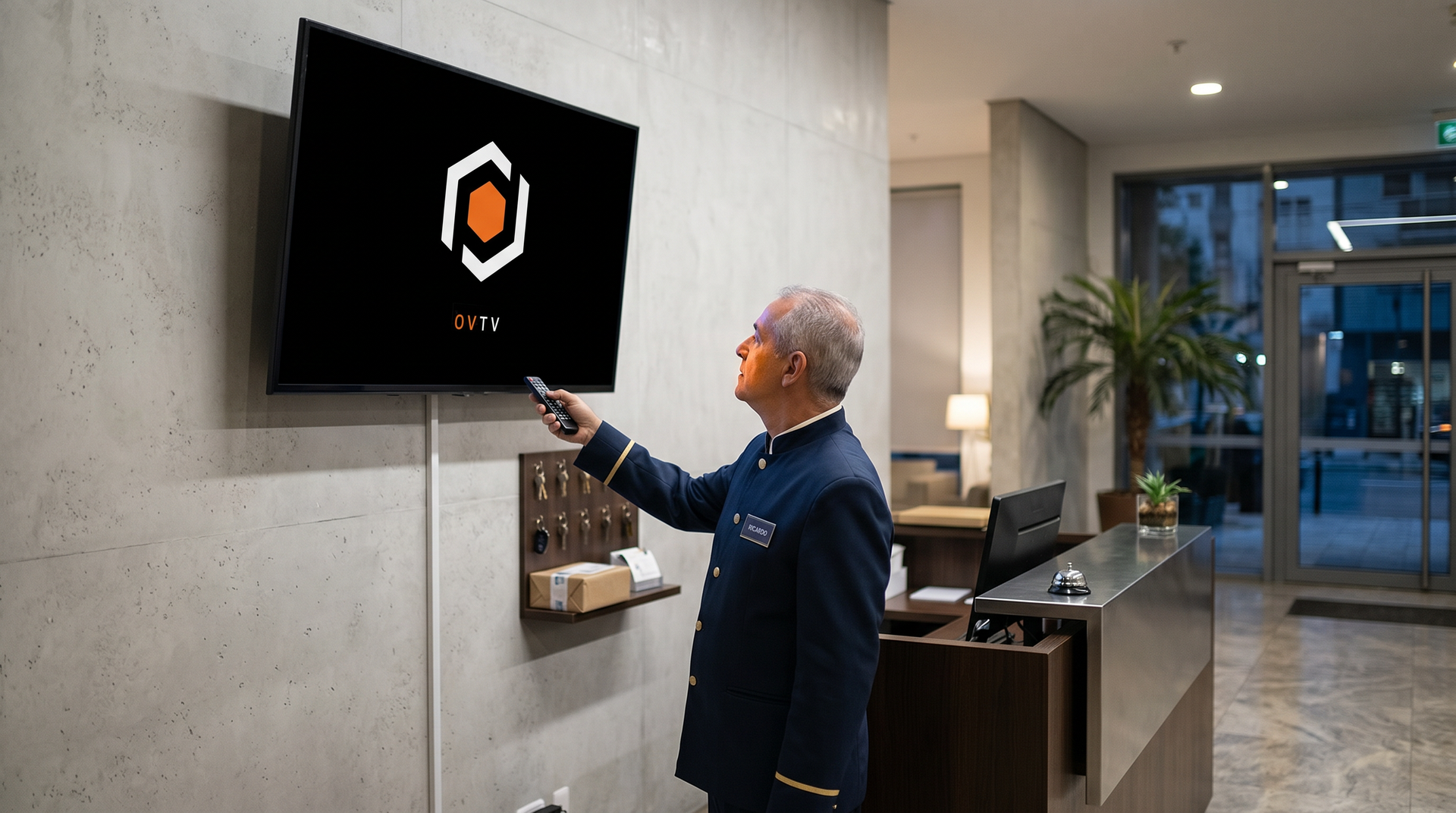
Remote Deterrence
Light and sound, working together. Activate deterrence lights and a siren to stop intruders before they get in.
Two-way audio
Video alone doesn't tell the whole story. Listen to the sound on-site, and speak directly through the camera when you need to intervene.
Capture & clips
Instant photo and video clip of a scene live. This will allow you to go back and get content about important events that need to be review after.
Real-time Status
Know exactly what's happening at a glance, online status, bitrate, and codec, all overlaid on each feed.
Every camera, every moment, one click away
Discover your NVRs and cameras automatically, monitor them live on a customizable wall, and cut clips on demand
Full control at your fingertips with the remote
Open any camera in full-screen mode and control it in real time from the action bar: listen, speak, zoom and switch from passive monitoring to immediate action.
Our android smart TV app is designed to enhance your security without compromising your commodity.