The most common mistake in camera selection happens before anyone looks at a spec sheet
Most security camera decisions start with hardware. That's the wrong starting point.
Before evaluating a single device, you need clear answers to four questions: What is the primary objective: deterrence, identification, behavioural analysis, or incident documentation? What environment are you working in: exterior perimeter, parking, corridor, industrial floor? What are the lighting conditions at night? And what regulatory constraints apply to the site?
These answers determine your specifications. Identifying a face at 10 metres is a fundamentally different requirement from detecting presence across a 50-metre perimeter. Getting this backwards leads to overbuilt systems in the wrong places and blind spots everywhere else.
___________________________
Match the camera type to the environment
Dome cameras are the standard for indoor use. The smoked dome conceals lens direction, reinforcing deterrence. IK10 vandal-proof models suit environments with a higher risk of tampering. Best for lobbies, corridors, retail, and office spaces.
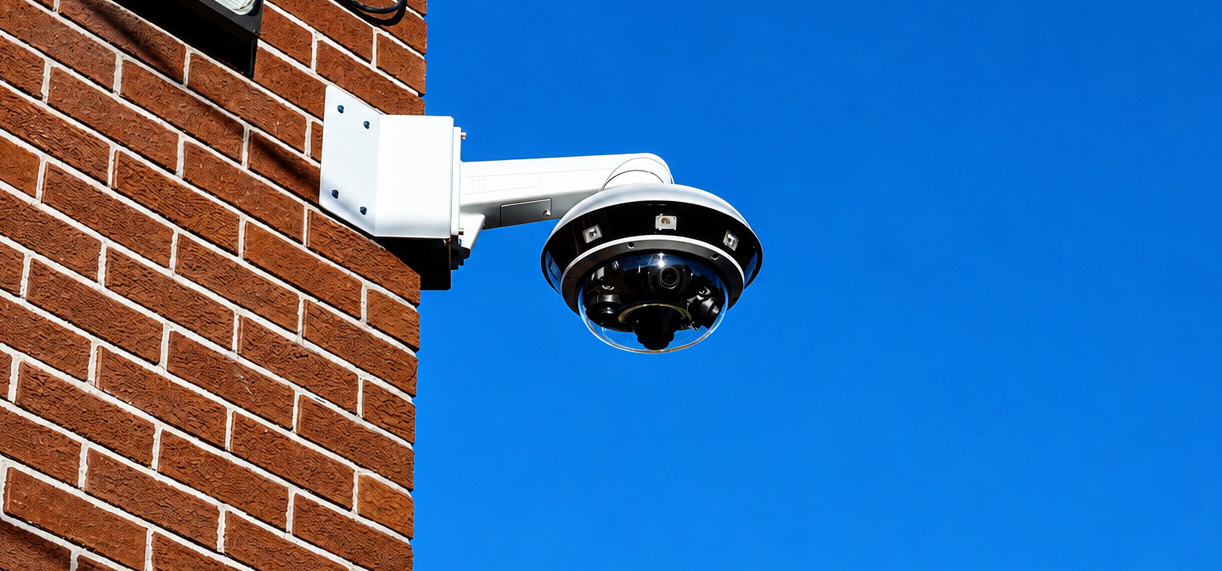
Bullet cameras are built for directional surveillance at medium to long range. Their form accommodates varifocal or motorized lenses for extended perimeters, and they typically carry IP66/IP67 outdoor ratings. Best for parking lots, facades, and site entrances.
PTZ cameras offer dynamic coverage, horizontal and vertical rotation, powerful optical zoom, and auto-tracking. A single PTZ can replace several fixed cameras in the right environment, though acquisition and maintenance costs are higher. Best for large open spaces, stadiums, airports, and industrial sites with active supervision.
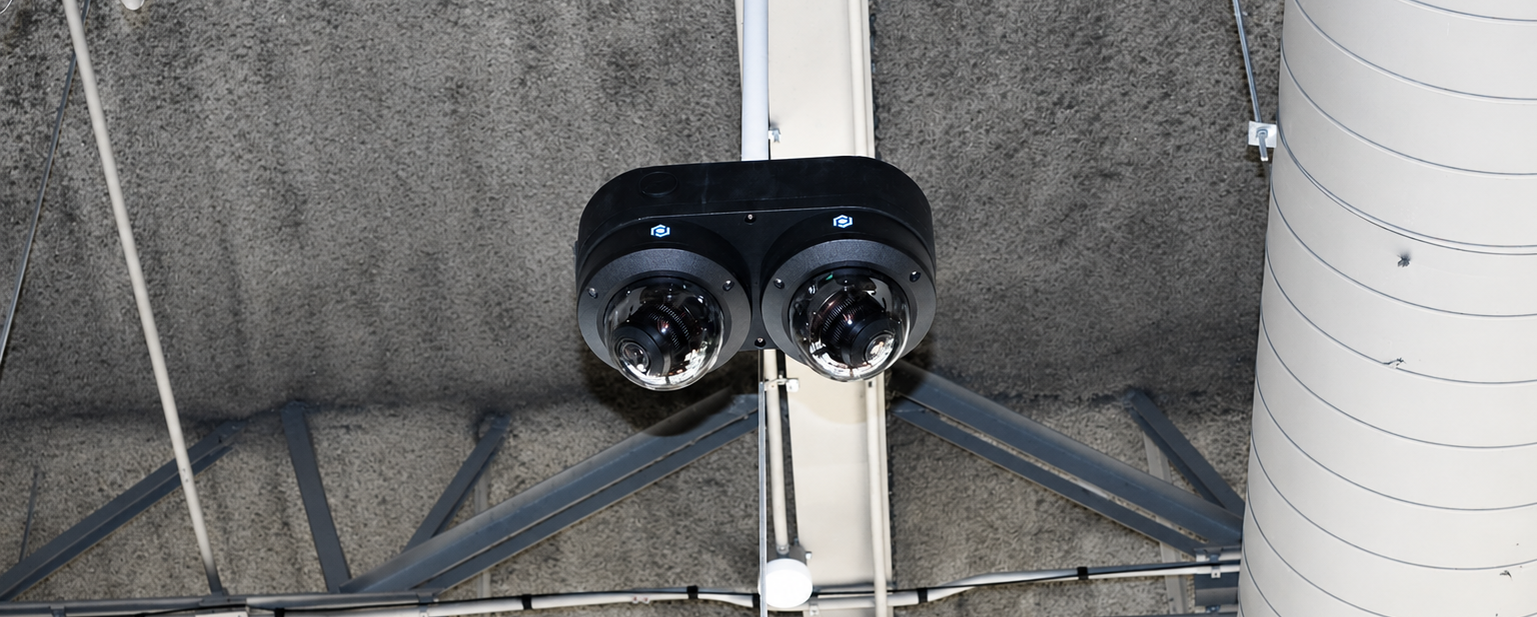
Fisheye / 360° cameras deliver full panoramic coverage from a single mounting point, with distortion corrected digitally. They reduce camera count in certain spaces, though effective resolution per zone is lower. Best for distribution centres, meeting rooms, and open-plan offices.
AI-embedded cameras process the scene onboard in real time, person and vehicle detection, behavioural analysis, licence plate recognition, forensic search. For any installation where false positives need to be reduced or event response needs to be automated, this is the category to be in.
________________________________
The specifications that actually matter
Resolution is not a proxy for quality — it is a function of objective and distance.
Resolution | Typical use |
2 MP (1080p) | General surveillance, presence detection |
4–5 MP | Mid-range identification, high-traffic zones |
8 MP (4K) | Precise identification, critical areas |
12 MP+ | High-definition panoramic surveillance |
Higher resolution means higher bandwidth and storage requirements. Size it to the objective, not to the budget ceiling.
Infrared and night vision come in three forms. Standard 850nm IR is effective but produces a visible red glow, inappropriate for healthcare or hospitality environments. 940nm invisible IR eliminates that glow entirely, at a slight range trade-off. Starlight sensors produce colour images in very low light without IR at all, the right call where lighting conditions are variable but not fully dark.
Codec matters more than most people realize. H.265 reduces file sizes by approximately 50% versus H.264 at equivalent quality. On a 20-camera system with a 30-day retention requirement, that difference is measured in terabytes and thousands of dollars in storage cost.
_____________________________________
Infrastructure: the part that gets underestimated
A camera is only as good as the infrastructure behind it.
Bandwidth: A 4K camera in H.265 consumes 4–8 Mbps depending on scene activity. Multiply by camera count, then verify that your PoE switches, fibre links, and any VPN connections support that load with margin to spare.
PoE standards: Most dome and bullet cameras run on standard PoE (802.3af, up to 15.4W). PTZ cameras and models with heating or defogging require PoE+ (802.3at, up to 30W). Plan switch capacity accordingly.
Storage: Define your retention period first, regulatory minimums, contractual requirements, or operational needs, then calculate backward. Hybrid architectures combining local NVR with selective cloud archiving offer the best balance of cost, resilience, and access.
___________________________________
VMS compatibility is not optional
A camera that isn't properly integrated into your video management system isn't a camera. It's an expensive blind spot.
Check for ONVIF profile support (S, T, and M) as a baseline for interoperability. Verify whether the manufacturer offers native integration with your VMS of choice, generic ONVIF often leaves advanced features inaccessible. And if the project involves integration with access control, ERP, or industrial supervision systems, confirm API and SDK availability before committing to a platform.
On cybersecurity: verify TLS/HTTPS support, certificate management, and the manufacturer's firmware update track record. This is no longer optional in any enterprise deployment.
_________________________________
Total cost of ownership: what the purchase price doesn't tell you
The camera price is rarely the largest line item over five years.
Installation and cabling on existing sites often exceeds hardware cost. VMS licensing fees per connected camera accumulate quietly. Storage, whether NVR, drives, or cloud subscriptions, scales with retention requirements. And firmware updates, AI model refreshes, and regulatory changes all carry ongoing cost implications that vary significantly by manufacturer.
A less expensive camera at purchase can prove significantly more costly over a five-year horizon if updates are paid, warranty is limited, or future VMS compatibility is not guaranteed.
_________________________________
A quick reference by project type
Criterion | Commercial | Industrial | Healthcare | Critical infrastructure |
Resolution | 4–5 MP | 2–8 MP | 2–4 MP | 8 MP+ |
IR | 850nm | 850nm | 940nm invisible | 850nm or Starlight |
Protection | IP66, IK08 | IP67, IK10 | IP54, IK08 | IP67, IK10 |
Embedded AI | Recommended | Recommended | Essential | Essential |
Storage | Local + cloud | Local NVR | Secure local | Redundant |
______________________________
The decision framework in six steps
The errors that are hardest to fix after deployment, (overestimated resolution, underestimated storage, overlooked VMS compatibility), all share one root cause: skipping the objectives conversation and going straight to hardware.
Work through the six steps in order: define objectives, match camera type to environment, size specifications to the objective, evaluate infrastructure constraints, verify VMS compatibility, and calculate total cost of ownership over five years. In that sequence, most of the common mistakes eliminate themselves.
For projects requiring advanced analytics, AI-embedded cameras are the most relevant choice across the majority of professional installations today.